
Start with the questions people ask at work
A procedure may be in a manual, a figure in a management system and a measurement in a sensor platform. For someone carrying out a task, the first difficulty is often finding the relevant information.
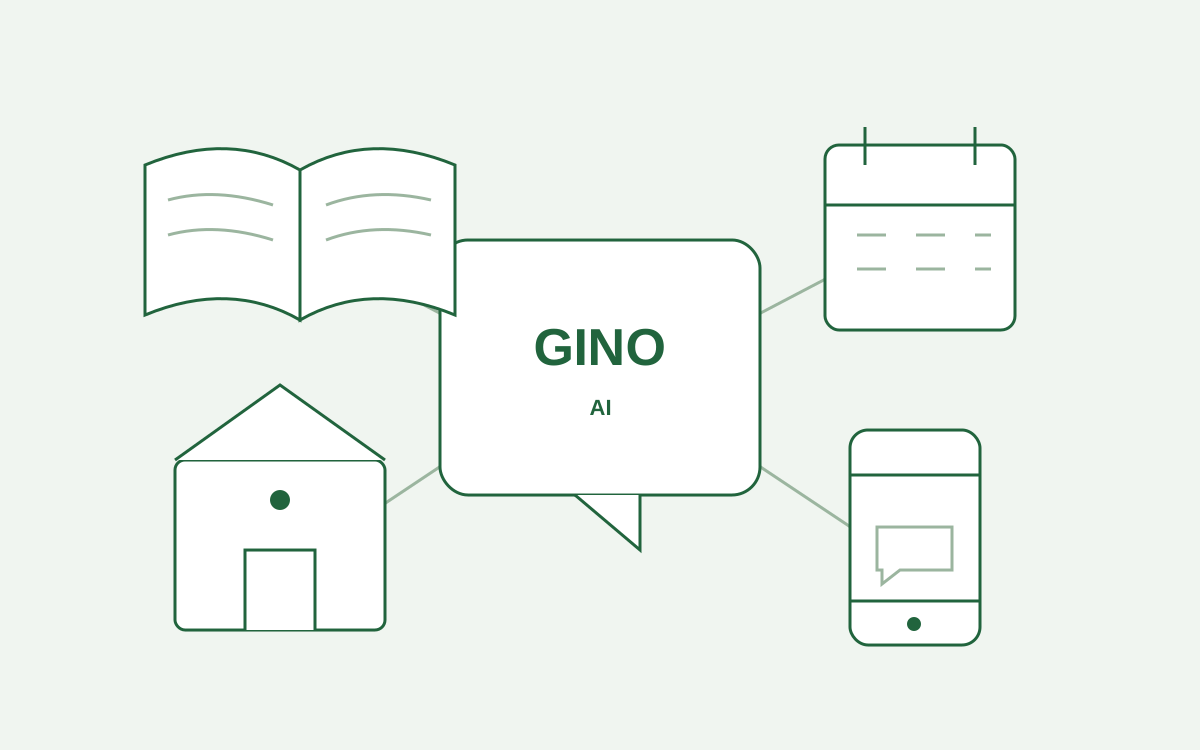
GINO is a digital assistant for livestock businesses. It answers questions using company manuals, farm data and connected sensors. It can be used through a browser on a computer or phone, and through WhatsApp.
Consult procedures with a reference to the source
Authorised manuals are organised into a searchable library. When an answer concerns a manual, GINO cites the pages it uses. If information is unavailable, the system says so.
A colleague can ask in their own language. Access remains limited to the manuals and tools permitted by the role assigned within the business.
Document preparation matters: procedures need to be current, and formulas requiring checks must be approved by the responsible person.
Connect farm systems and sensors to real needs
Integrations connect GINO to the systems actually in use. Questions about animals and herd numbers can use the farm management system; device measurements can be read through ThingsBoard.
Deployment includes identifying required functions and developing the necessary integrations. Farm-data access is read-only: GINO does not modify those records through chat.
A useful first assessment starts with recurring questions, the manuals covering them, and the systems where the required data is held.
From information to team activities
Schedules organise recurring or one-off activities such as checks, cleaning and maintenance. Authorised users prepare plans and assign them to teams or individuals. Operators see proposed tasks and can accept or decline them.
When the business has connected Google Calendar, accepted activities can appear in the person’s calendar. Automations can prepare reports through the app, email and WhatsApp, with defined schedules and recipients.
An automation becomes active after publication by an authorised person. Chat can help prepare a draft, while activation and management follow the configured roles and permissions.
How to start a discussion about GINO
Start with a few needs that can be checked: procedures to consult, data needed for a question, and the people who will use the solution. Manuals, integrations, roles and the rollout approach can then be defined.
Explore GINO’s features and deployment or tell us about your business. For field systems, see Hidra’s IoT solutions.